Progressive Web Apps on Android
This post is also available in:


Progressive Web Apps (PWA) are websites that can be installed as independent applications. They can be opened from shortcuts and used in their own window separate from the main browser.
Install a Progressive Web App
To install a website as a PWA:
- Open the web page in Vivaldi.
- Go to the
 Vivaldi Menu > Add Page To > Home screen.
 - Select Install.
- Tap Install in the confirmation dialog.
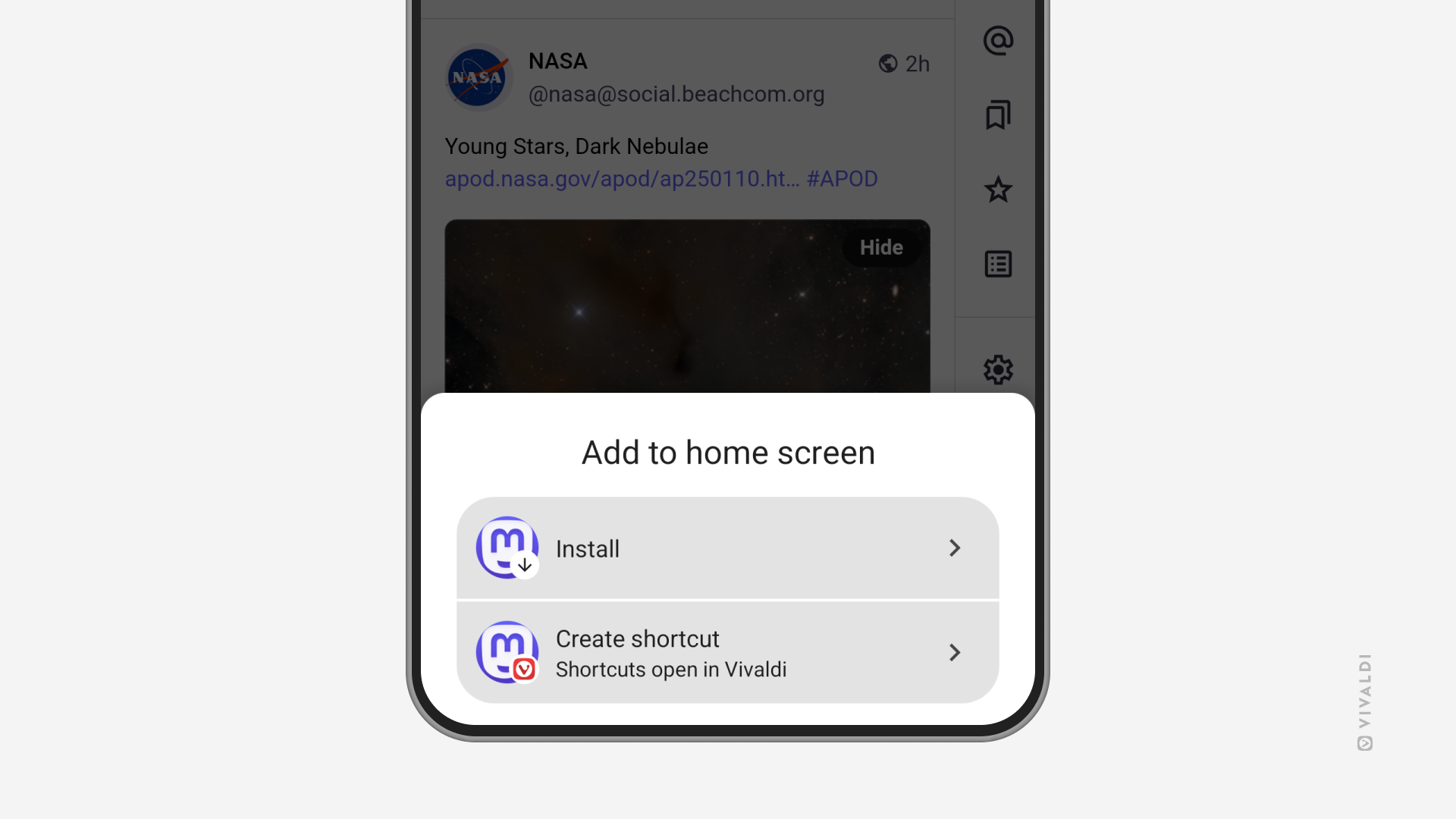
If the site doesn’t support PWAs, you’ll be offered to create a shortcut instead. While PWAs open in their own window, tapping on the shortcut will open the saved site in a new tab in the main app window.
Open links from Progressive Web Apps in the main browser
To open a link from a PWA as a new tab in the main browser window:
- Long press on a link to open the context menu.
- Select “Open in Vivaldi Browser”.
Delete Progressive Web Apps and Home Screen Shortcuts
To uninstall a PWA or delete a shortcut:
- Long press on the PWA/shortcut icon on your home screen.
- Select Remove.
Was this helpful?
Thanks for your feedback!