Open web pages in their apps
With Vivaldi on Android’s default settings, when you’re opening a website that you also have an app for, the app takes over. Some people don’t like that, so Vivaldi has a setting to prevent that switch.
To enable always opening links in Vivaldi:
- Go to Settings > Privacy and Security.
- Enable Don’t open links in external apps.
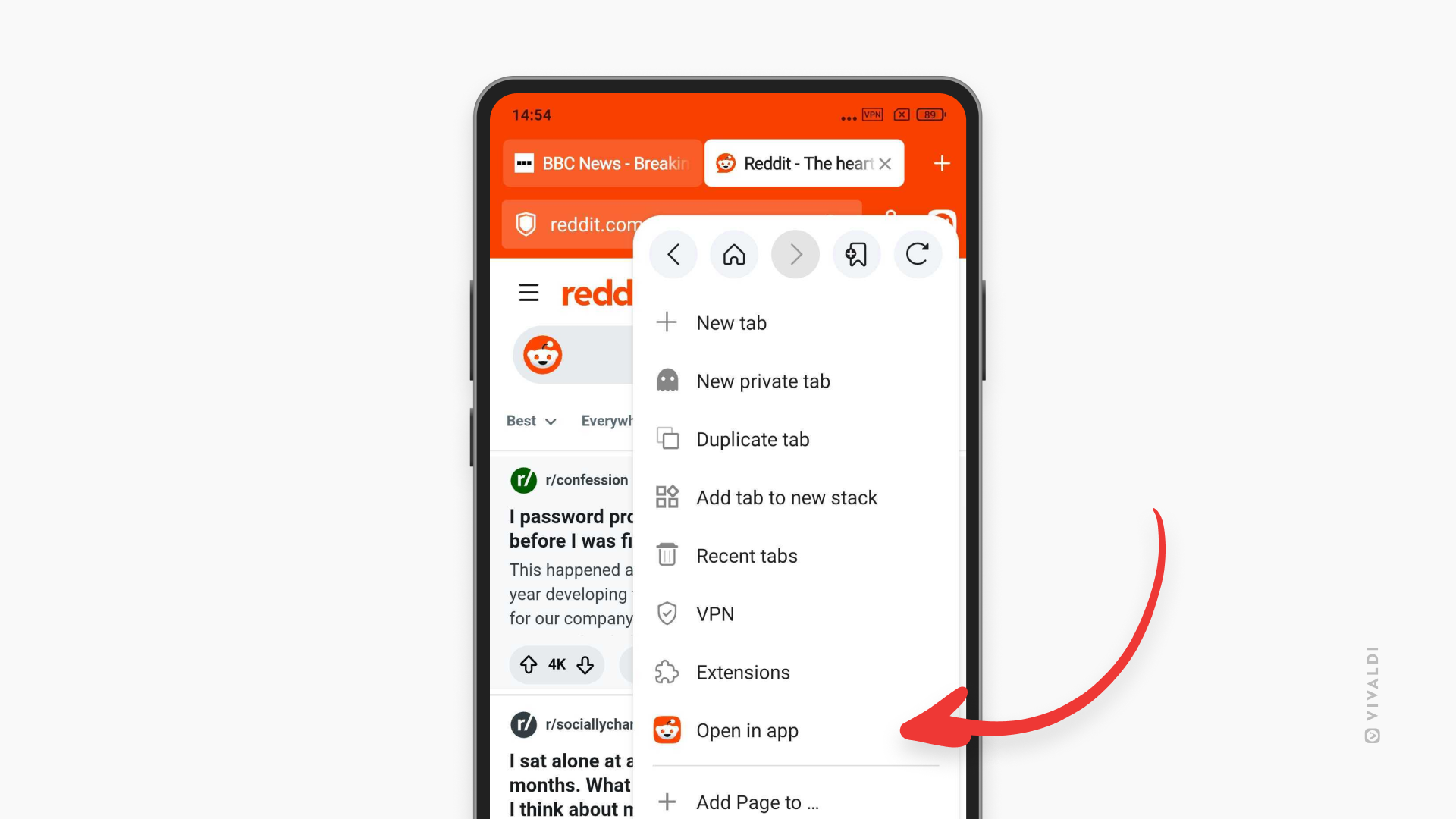
But every once in a while, you might prefer to view the website’s content in its app instead of the browser. In such cases, you can switch to the app with just two taps.
To open a web page in an external app:
- Go to the
 Vivaldi menu.
- Tap Open in app.
To see that option in the menu, you must have the app already installed.
Was this helpful?
Thanks for your feedback!