Vivaldia game
This post is also available in:


Vivaldia is an arcade-style runner game by Porcelain Fortress integrated into Vivaldi. The game is available for both online and offline playing on desktop and Android.
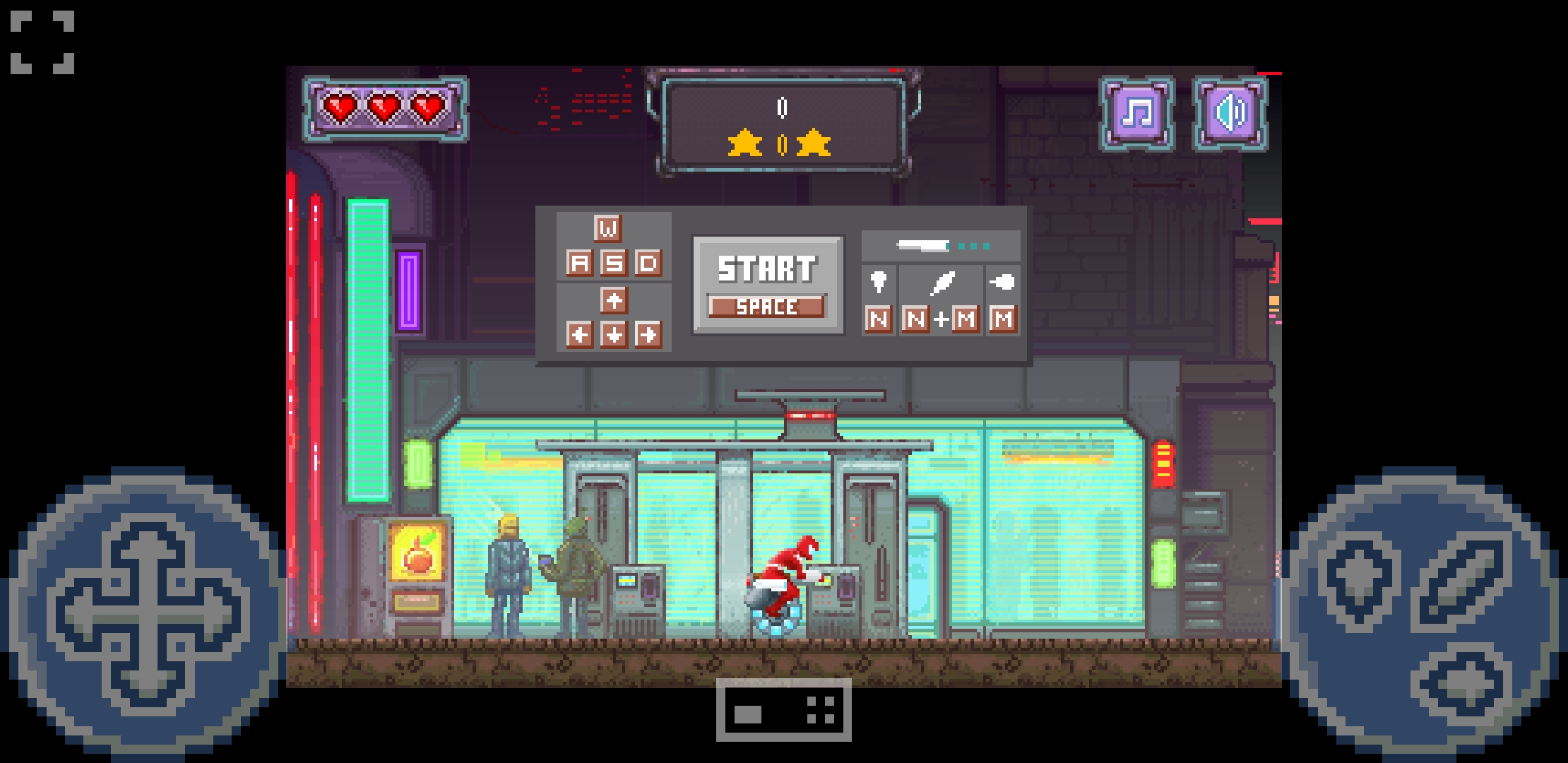
Playing the game
To play Vivaldia on mobile, either:
- Go to
 Vivaldi menu > Start Vivaldia game;
 - Type vivaldi://game in the Address Field;
To start the game, turn your phone to landscape mode and tap on Click to play and then Start.
There are two game control layouts to choose from (see below). The game also supports using gamepads for playing.
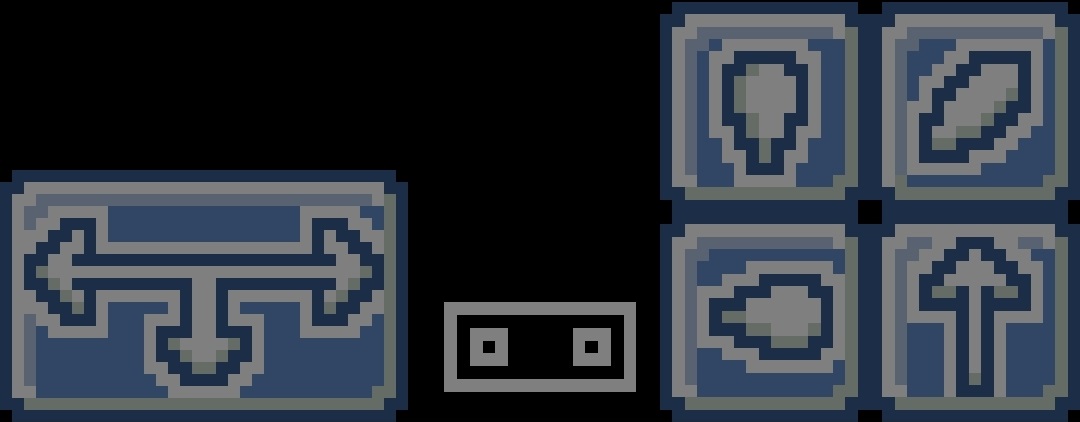

To restart the game after you either finished or ran out of lives tap on the page to start again.
Settings
Full screen
To play in full screen mode, tap on the  full screen button in the top left corner. Tap on the same button to exit full screen.
Audio
You can mute the music and game play sound effects from the top right corner.
When the game ends, take a screenshot of your score with Vivaldi’s Page Capture feature or your phone’s screenshot tool and share it with our community on the Forum or challenge your friends on social media.