Find in page
Ця публікація також доступна такими мовами:


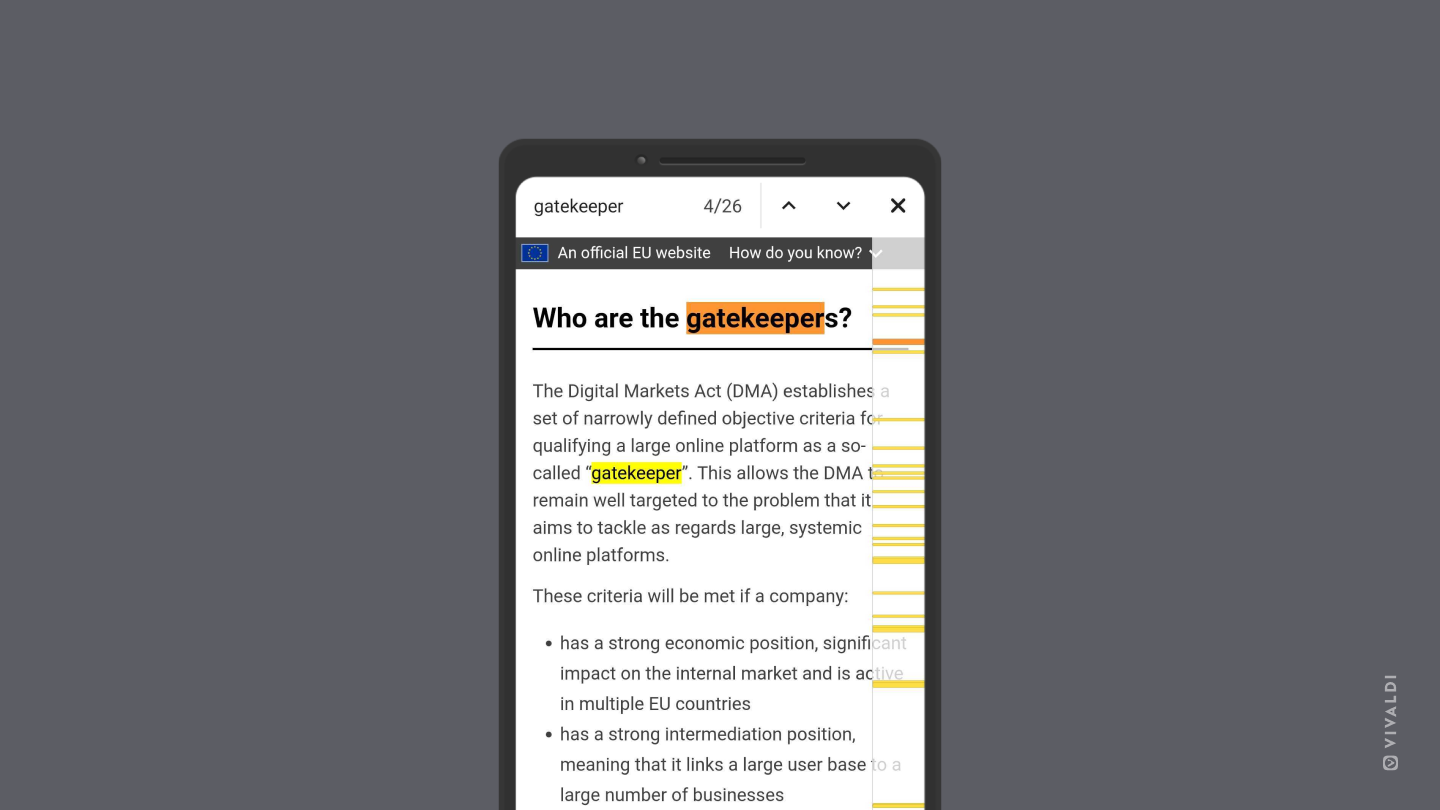
On desktop, Ctrl+F / ⌘ F is a well known Keyboard Shortcut for searching through the open web page. On mobile devices, where the screens fit even less content in the visible area, being able to just search for a keyword is even more useful.
To search in Vivaldi on Android:
- Open the
 Vivaldi menu.
 - Select Find in Page.
- Enter your search keyword.
Search results will start showing as you type. Use the arrows in the top right corner to move to the  previous and
  next results. Tap on the
  , when you’re done with your search.
Was this helpful?
Thanks for your feedback!