Vivaldi’s App Icons on iOS
This post is also available in:


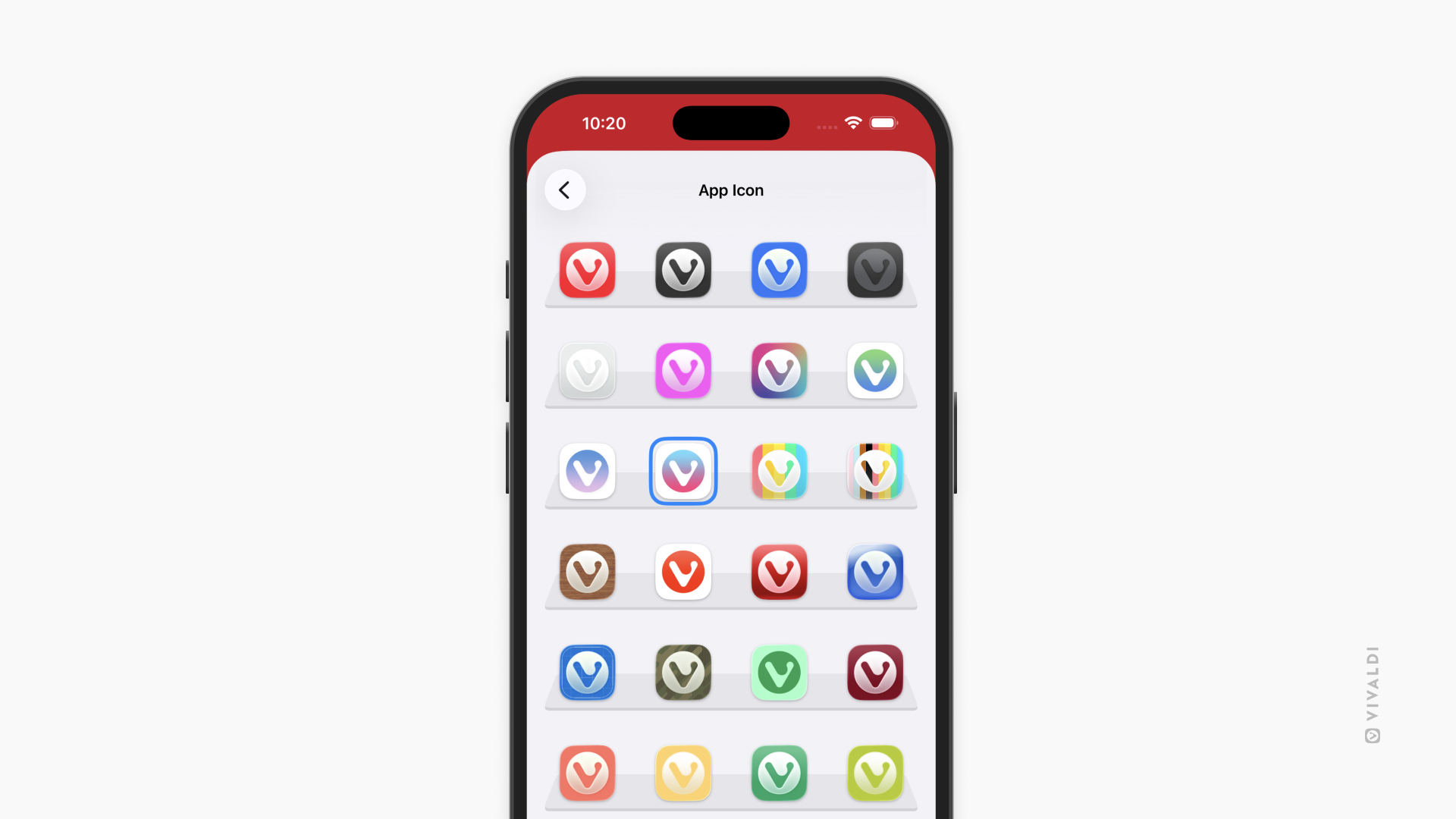
Vivaldi on iOS offers a selection of App Icons for you to choose from, allowing you to match Vivaldi with your iPhone’s / iPad’s style. Your chosen App Icon will be displayed on the home screen, in the App Library, and elsewhere where Vivaldi is displayed.
To choose a custom App Icon:
- Go to Vivaldi menu > Settings > App Icon.
- Tap on the icon you’d like to set for Vivaldi.
- Tap OK to confirm your decision.
Was this helpful?
Thanks for your feedback!