Delete a Vivaldi account
Este post também está disponível em:


Your account on Vivaldi.net gives you access to:
- Vivaldi Webmail;
- Vivaldi Forum;
- Vivaldi Social;
- Vivaldi’s free (and ad-free) blogging platform;
- Vivaldi Themes;
- Vivaldi’s Sync functionality.
Before you delete the account, you might want to export some of the account data.
To delete your Vivaldi account:
- Log in on Vivaldi.net and go to your profile (top right corner);
- Click on ‘Delete account’ in the lower half of the profile page (next to ‘Change password’ and ‘Export data’);
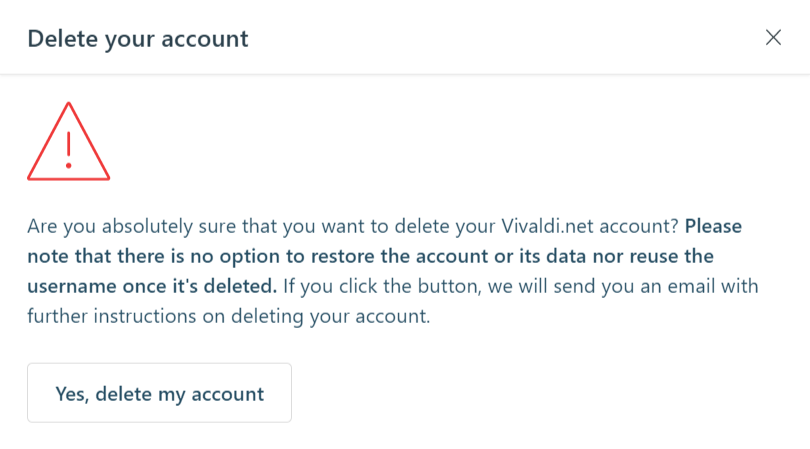
- If you’re certain that you want to delete the account, click on ‘Yes, delete my account’;
- An email is sent to your account’s recovery email address, so head on to that mailbox and open the link sent in the email;
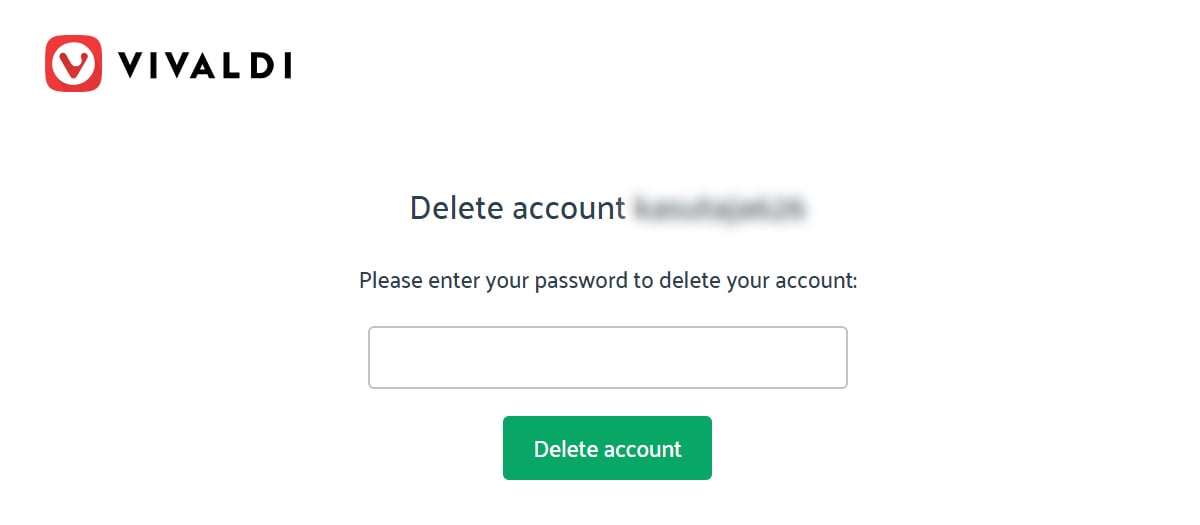
- Confirm your decision by entering your account’s password.
Important
Please note that after the password has been entered and submitted, there’s no option to restore the account and its data. Also, it won’t be possible to register with the same username again.
If you are deleting your account in order to sign up with a different username, you may need to wait a few minutes before signing up again, as it may take some time to delete the data from all our databases.
If you are happy with the username but wish to have a different recovery email address, don’t delete the account. Instead, go to your profile on Vivaldi.net and update the recovery email there.
If you no longer have access to the recovery email or have trouble deleting the account, please send us a message below and we’ll do our best to help you.