Spring naar inhoud
Taal
Български
Deutsch
English
Español
Français
日本語
Nederlands
Português
Русский
Српски
Українська
简体中文
Start
E-mail
E-mail
Uitgelichte artikelen
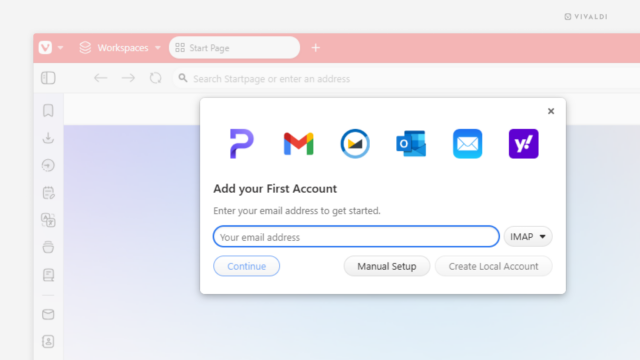
E-mailaccounts toevoegen en beheren
Beheer al je accounts vanuit één gebruiksvriendelijke inbox.
Getting started
E-mailaccounts toevoegen en beheren
Paneel E-mail
E-mailinstellingen
Berichten zoeken in Vivaldi Mail
Berichten verzenden in Vivaldi Mail
Berichten bekijken en beheren in Vivaldi Mail
Advanced options
Contactpersonen
Mail en contactpersonen importeren uit Opera M2
Mail Filters
Mail Flags
Mail Keyboard Shortcuts
Mail Labels
Maillijsten
Snel antwoorden in Vivaldi Mail
Probleemoplossing en foutopsporing in Vivaldi Mail
E-mail, kalender en nieuwsstromen gebruiken in een apart gebruikersprofiel
Feeds
Add and Manage Feeds
Nieuwsstromen importeren en exporteren