Calculator
This post is also available in:


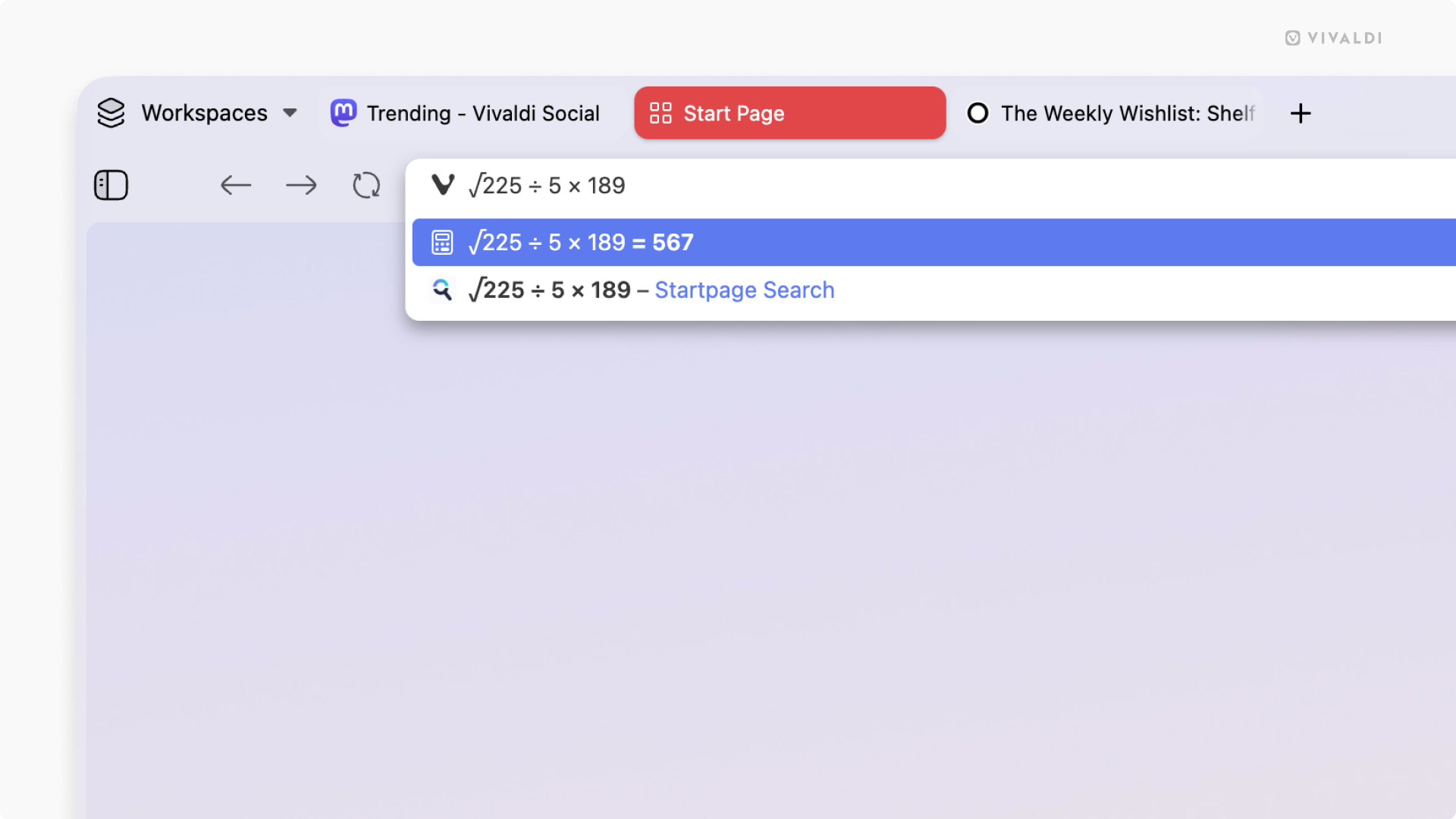
You can do various calculations in a blink of an eye in the browser’s Address Field or Quick Commands.
To calculate something:
- Open Quick Commands (F2 / ⌘ E) or focus on the Address Field (Ctrl + L / ⌘ L).
- Start typing the equation. For example, “5166/123”, “sqrt 9”, etc.
The solution will appear below the input field and, in case of Quick Commands, also in a faded color after the equation in the input field. When you press Enter or click on the line with the result, the solution will be copied to your clipboard.
Types of calculations
- Addition (x+y)
- Subtraction (x-y)
- Multiplication (y*z or y x z)
- Division (x/y)
- Remainder (x%y)
- Power / exponentiation (x^y)
- Root (sqrt x)
- Factorial (x!)
- Logarithms (ln x, log x, log10 x)
- Trigonometric functions (sin x, cos x, tan x)
- Inverse trigonometric functions (asin x, acos x, atan x)
- Hyperbolic functions (sinh x, cosh x, tanh x)
- Inverse hyperbolic functions (asinh x, acosh x, atanh x)
- Round up/down/nearest (ceil x, floor x, round x)
- Absolute / magnitude (abs x)
Disable the calculator
If you know you won’t be using the calculator and want to remove hints about the feature from the user interface, you can disable it from Settings and enable it again, should you ever change your mind.
To disable the calculator in the Address Field:
- Go to Settings > Address Bar > Address Field Suggestions.
- Untick the box for Local Calculator.
To disable the calculator in Quick Commands:
- Go to Settings > Quick Commands > Search Types and Priority.
- Untick the box for Calculator.
Was this helpful?
Thanks for your feedback!